





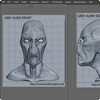
 Glen Southern's Alien - Part I
Setting Up Reference Images: covers setting up viewport windows and images. (6:15 / 6.4 MB) Watch |
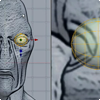 Glen Southern's Alien - Part II
Placing the Eye: creating an eye for the Alien, as well as materials and view modes. (5:56 / 7.5 MB) Watch |
|
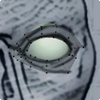 Glen Southern's Alien - Part III
Around the Eye: Polygon tool, Extrude and more as Glen builds out from the eye. (19:10 / 20.3 MB) Watch |
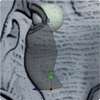 Glen Southern's Alien - Part IV
The Cheek: Extruding out from the eye for the cheek and side of the head. (11:38 / 12.6 MB) Watch |
|
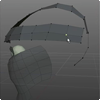 Glen Southern's Alien - Part V
Top and Back of the Head: Creating the forehead, back, side of the head. (22:54 / 24.8 MB) Watch |
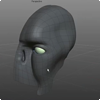 Glen Southern's Alien - Part VI
The Nose: The nose and front of the face are created then joined in. (20:03 / 22.9 MB) Watch |
|
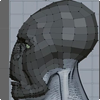 Glen Southern's Alien - Part VII
The Mouth and Chin: Created piece by piece and joined in. (26:01 / 23.7 MB) Watch |
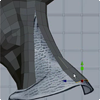 Glen Southern's Alien - Part VIII
The Neck: The neck, top of the shoulders, and bottom of the bust. (23:40 / 23.8 MB) Watch |
|
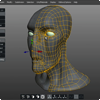 Glen Southern's Alien - Part IX
Final Touches: Glen adds finishing touches to the head. (14:05 / 20.4 MB) Watch |
||
|
Marketing permission: I give my consent to Nevercenter to be in touch with me via email using the information I have provided in this form for the purpose of news, updates and marketing. What to expect: If you wish to withdraw your consent and stop hearing from us, simply click the unsubscribe link (at the bottom of every email we send) or contact us at info@nevercenter.com. We value and respect your personal data and privacy. To view our privacy policy, please visit nevercenter.com/privacy. By submitting this form, you agree that we may process your information in accordance with these terms. |